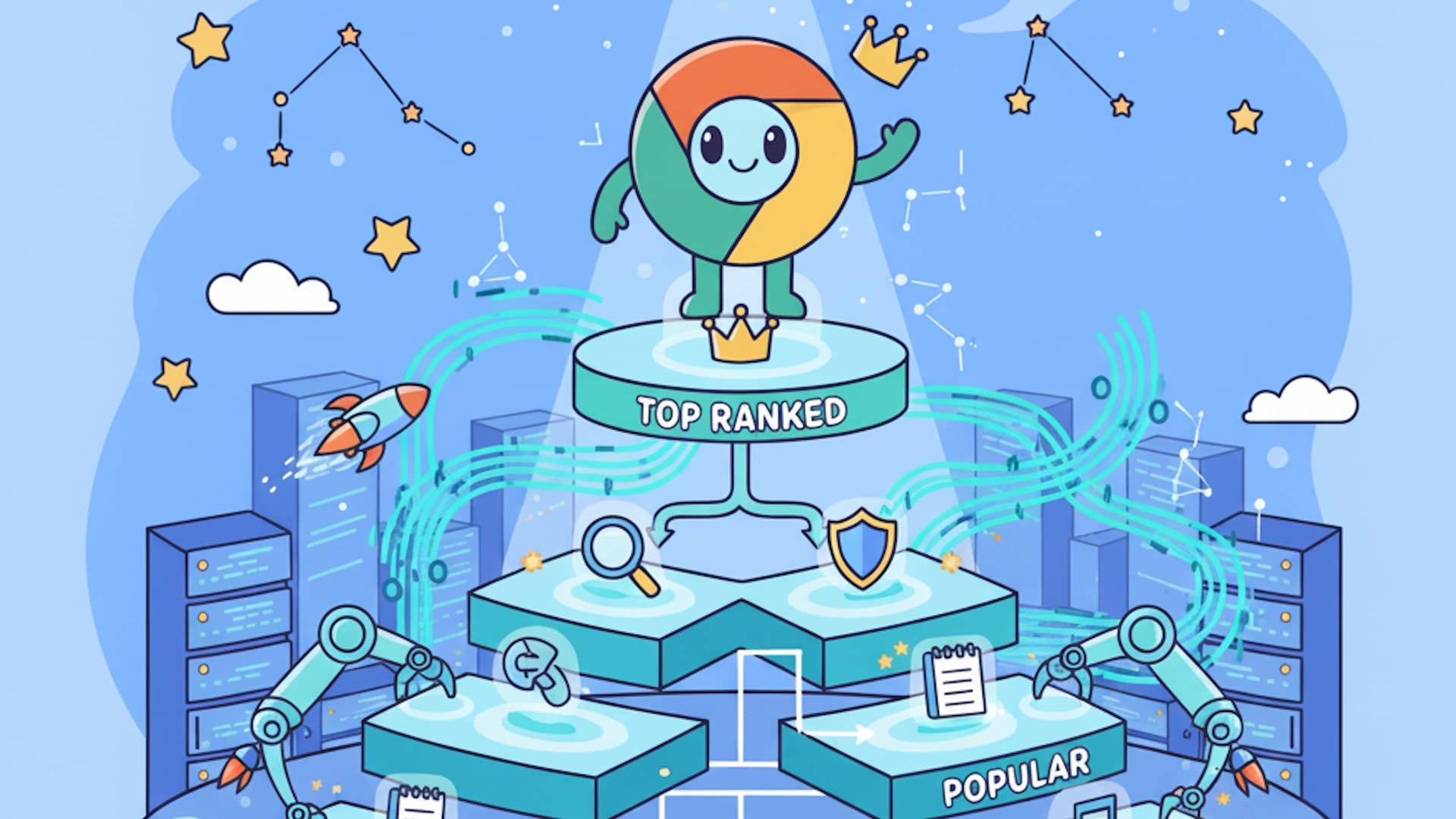

A Chrome extension can start as a simple tool solving a small problem, but with the right approach, it can evolve into a full-scale SaaS business. Many successful SaaS companies began as browser extensions before expanding their offerings into web and mobile applications. The key to making this transition is understanding when and how to scale, ensuring that your product delivers consistent value while generating sustainable revenue. Before you scale, make sure you have a strong foundation, read how to turn a chrome extension into a full SaaS business for a detailed roadmap.
1.
2.
3.
4.
5.
6.
The path from extension to SaaS follows four moves, each building on the last.
- 1
Identify the potential for growth
Confirm the extension solves a high-demand problem, has active users, and is bumping against what a browser tool can do.
- 2
Add cloud-based features
Introduce a backend for accounts, sync, and collaboration so value is no longer trapped in local browser storage.
- 3
Monetize beyond the extension
Use tiered SaaS pricing, with a free plan for adoption and premium tiers for power users and businesses.
- 4
Expand to other platforms
Once the model is proven, grow into web, mobile, and desktop apps to deepen functionality and brand presence.
Identifying the Potential for Growth
The first step in scaling a Chrome extension is recognizing whether it has the potential to become a larger SaaS product. If your extension is solving a high-demand problem, has active users, and requires ongoing updates or cloud-based functionality, it may be a strong candidate for expansion.
Look at your user base and analyze their needs. Are they requesting additional features that go beyond what a browser extension can provide? Are they willing to pay for an upgraded experience? If your extension has reached a point where its value could extend beyond the browser, it is time to consider building a standalone SaaS platform.
Many successful SaaS companies began as browser extensions before expanding their offerings into web and mobile applications.
Adding Cloud-Based Features
One of the biggest limitations of Chrome extensions is their reliance on local browser storage. While some functionality can be handled within the extension itself, scaling often requires cloud-based services. By introducing a backend system, you can offer features like data synchronization, user accounts, and real-time collaboration.
For example, if your extension helps users save and organize information, you could introduce a cloud dashboard where they can access their saved data from multiple devices. By integrating cloud storage and authentication systems, you create a more robust platform that can justify a higher price point and attract long-term users. For a deeper look at this journey, read how to turn a chrome extension into a full SaaS business.
User accounts and authentication
Identity is the foundation that lets everything else, from sync to billing to teams, hang together across devices.
Data synchronization
A cloud dashboard lets users reach their saved data from any device instead of being locked to one browser profile.
Real-time collaboration
Shared workspaces turn an individual tool into something teams adopt together, which is where higher price points become defensible.
Monetizing Beyond the Extension
While Chrome extensions can be monetized through one-time purchases, subscriptions, or in-app purchases, a SaaS platform allows for more flexible pricing models. You can introduce tiered pricing, offering different levels of service based on user needs.
For instance, a free plan could provide limited access, while a premium plan includes advanced features like automation, AI-powered recommendations, or integrations with third-party services. Businesses and power users are more likely to subscribe to a SaaS platform that offers continuous improvements and support.
Skip the boilerplate, not the launch
ExtensionFast ships with Stripe payments, auth, and a Chrome Web Store-ready manifest, so you build features instead of plumbing.
Expanding to Other Platforms
Once your extension has a strong user base and a scalable SaaS model, consider expanding beyond the browser. Many successful SaaS businesses start with a Chrome extension and later develop web apps, mobile apps, and even desktop applications.
If your extension helps users manage tasks or track productivity, you could create a mobile app for on-the-go access. If it enhances workflow automation, a full web application with API integrations could allow for deeper functionality. Expanding to other platforms not only increases revenue potential but also strengthens your brand's presence in the market.
Final Thoughts
Turning a Chrome extension into a full-fledged SaaS business requires a strategic approach, from identifying growth opportunities to implementing cloud-based features and expanding monetization models. By focusing on long-term value and scalability, you can transform a simple browser tool into a profitable, standalone business.
If you are looking to streamline the process of building and monetizing your Chrome extension, ExtensionFast makes it easy to integrate payments, authentication, and databases so you can focus on growth without getting stuck on the technical details.
Signs you are ready to scale
Your extension solves a high-demand problem and has active, returning users.
Users are asking for features that local browser storage simply cannot deliver.
You have a tiered pricing plan where free drives adoption and premium serves businesses and power users.
Payments, authentication, and a database are in place so you can focus on growth, not plumbing.
Frequently Asked Questions
Ship a Chrome extension that makes money, built by your AI agent, with ExtensionFast.
Newsletter
Build smarter, ship faster
Weekly tips on Chrome extension development, marketing, and monetization.