

Building a Chrome extension is one of the fastest ways to turn a small idea into a real product, and in 2026 the most valuable extensions almost all share one trait: they put an AI model exactly where the user already works. Instead of making people copy a paragraph into a chatbot and explain what they want, a great AI extension already knows the page, the selection, and the task. This guide is the complete path from a blank page to a published, monetized AI extension, with the security and cost decisions that trip up most first-timers called out along the way. If you are brand new to extensions, start with how to build a Chrome extension with no coding experience, then come back here.
Step 1: Find an AI-Worthy Idea
Not every extension needs AI, and bolting a model onto a tool that does not need one is a fast way to burn money on tokens for no added value. The question to ask is simple: where does my user currently copy context out of the browser, paste it into a chatbot, and type the same instruction every time? That copy-paste-and-explain loop is the exact friction a good AI extension removes.
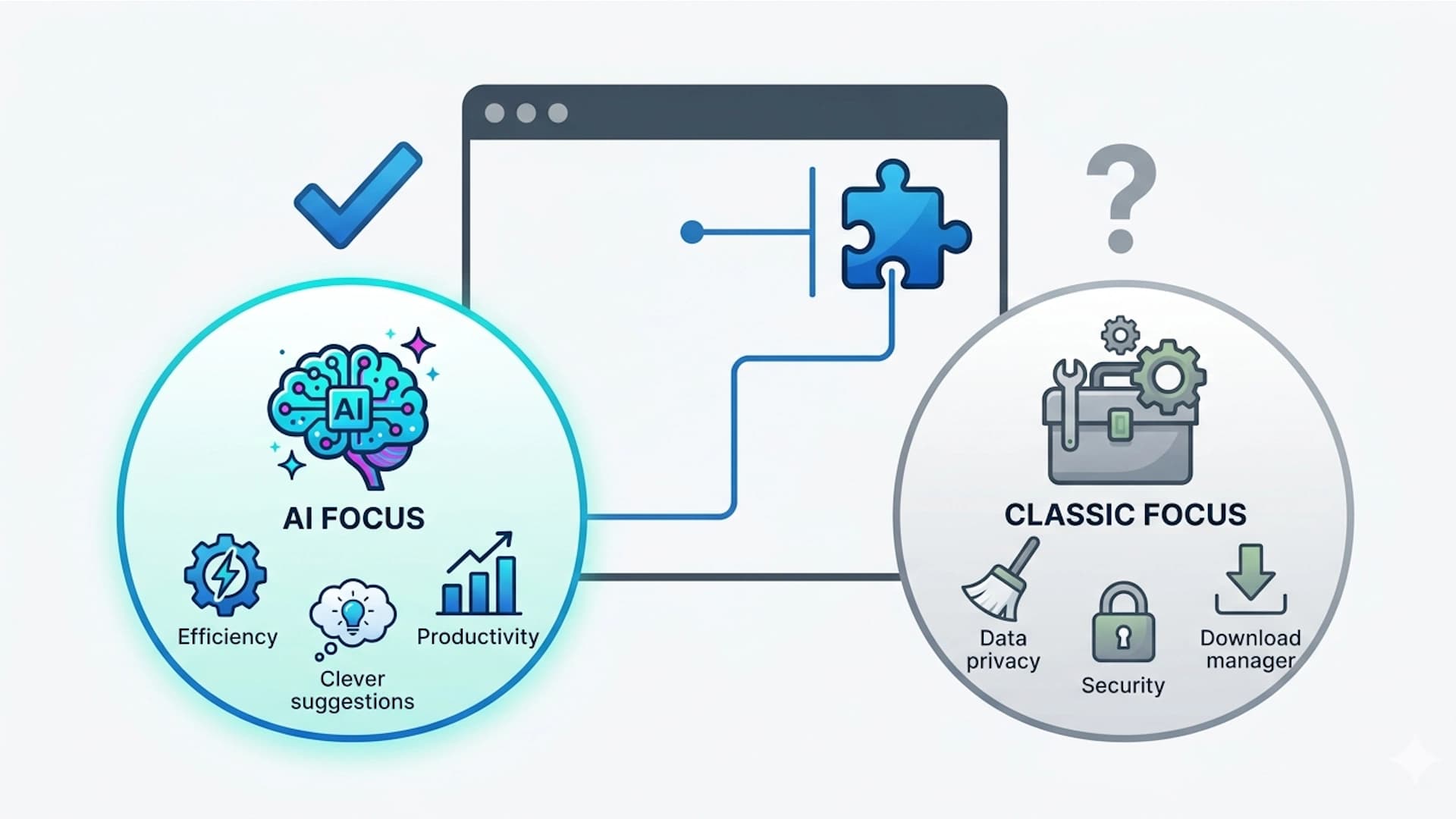
The strongest ideas wrap a model around a specific context. Summarize this YouTube transcript, rewrite this email in my voice, extract the structured data from this table, explain this error in plain English. Each of those is better as an extension than as a chatbot because the extension already has the context. For a deeper process on spotting these, see every repetitive task is a Chrome extension waiting to happen, and to decide whether AI even belongs in your tool, read should your browser extension be focused on AI.
Step 2: Validate Before You Spend a Dollar on Tokens
The biggest mistake first-time AI builders make is shipping a model integration before checking that anyone wants the result. Validation does not need to be heavy. Search the Chrome Web Store for similar AI tools and read their one-star reviews, which tell you exactly where they fall short. Post your concept in a relevant community and watch whether people lean in. If two or three strangers say "I would use that," you have a signal worth acting on.
Validation also tells you what to charge, which matters more for AI tools than for static ones because you carry a real per-use cost. Walk through the full process in how to validate your Chrome extension idea before writing a single line of code.
Step 3: Define the Single AI Action
Once your idea is validated, narrow it to its simplest form: the one model-powered action your extension will do better than a generic chatbot. A common trap is trying to build a do-everything AI assistant. Instead, pick one verb.
Summarize
Condense the current page, transcript, or thread into a few bullet points.Rewrite
Transform a selection into a different tone, length, or language in place.Extract
Pull structured data such as prices, dates, or contacts out of an unstructured page.Explain
Turn a highlighted error, term, or snippet into a plain-English explanation.
Shipping one of these well beats shipping five of them badly. You can always expand once people are using and paying for the first.
Step 4: Choose How You Will Build It
You have more options than ever for how to actually build. If you are not a developer, AI coding tools can scaffold a working Manifest V3 extension from a plain-English description, covered in how to create a Chrome extension with AI in 2026. If you write code, the modern stack is React with TypeScript for a maintainable UI, walked through in how to build a Chrome extension with React and TypeScript in 2026.
The one decision an AI extension forces early is the backend. A purely static extension can live entirely in the browser, but an AI extension cannot, because it needs somewhere safe to hold your model provider's API key. If you would rather not stand up auth, a billing system, and a model proxy by hand, a starter kit lets you build a Chrome extension in days, not months.
Step 5: Understand the Project Structure and Manifest V3
Every Chrome extension is built around a manifest that tells the browser what your extension is, what it can access, and which scripts run where. Modern extensions use Manifest V3, with a background service worker, content scripts that run inside pages, and a popup or side panel for the UI. Here is a minimal manifest for an AI extension that reads the current page and shows results in a side panel.
{
  "manifest_version": 3,
  "name": "AI Page Summarizer",
  "version": "1.0.0",
  "permissions": ["activeTab", "storage", "sidePanel"],
  "host_permissions": ["https://your-backend.com/*"],
  "background": { "service_worker": "background.js" },
  "side_panel": { "default_path": "sidepanel.html" }
}
Notice that the only host permission is your own backend, not the whole web. Every extra permission you request lowers your install rate, so request only what you use. Learn the patterns in Chrome extension permissions: request less, get more installs.
Step 6: Wire Up the AI the Right Way
This is the step that separates a safe AI extension from one that gets your provider account drained. The rule is absolute.
The correct architecture is a thin proxy: your extension sends the page context to your backend, your backend adds the secret key and calls the model provider, and only the response comes back. The flow looks like this.
- 1
Extension collects context
A content script grabs the selection or page text and hands it to your background worker. - 2
Extension calls your backend
The worker POSTs that context to your own API endpoint over HTTPS, with the user's auth token. - 3
Backend calls the model
Your server attaches the provider API key, enforces the user's usage limit, and calls the model. - 4
Response streams back
The server streams the model output to the extension, which renders it token by token.
On the extension side, the call to your own backend is ordinary fetch, with no secrets in sight:
// background.js
async function summarize(pageText, authToken) {
  const res = await fetch("https://your-backend.com/api/summarize", {
    method: "POST",
    headers: {
      "Content-Type": "application/json",
      Authorization: `Bearer ${authToken}`,
    },
    body: JSON.stringify({ text: pageText }),
  });
  return res.body; // a readable stream you pipe into the UI
}
The provider key, the model choice, and the usage check all live on the server, where users can never see them.
Step 7: Build the UI, and Make It Feel Fast
AI responses take a few seconds, and a frozen popup feels broken. The fix is streaming: render the model's output token by token as it arrives so the user sees progress immediately. A side panel is often the better home than a popup because it stays open while the user keeps reading the page. For a styling approach that stays consistent and quick to build, see why Tailwind CSS is the best choice for modern extension UI development, and if a side panel fits your tool, follow how to build a Chrome extension side panel in 2026.
The model is a commodity. The thing users pay for is how naturally it disappears into the work they were already doing.
Step 8: Add Accounts, Usage Limits, and Payments
For an AI extension this step is not optional, because every call costs you money. You need accounts so usage is tied to a person, server-side limits so a single user cannot run up your bill, and payments so heavy users fund their own usage. Never gate paid features on the client alone, since extension code is fully inspectable; verify entitlement on the server with every request.
Start with the mechanics in how to collect payments for your Chrome extension in 2026, then choose a model with the freemium model for Chrome extensions and how to price your Chrome extension and what actually sells. A metered free tier that converts heavy users to paid is the natural fit for AI tools.
Built for developers who'd rather ship
Payments, auth, and store-ready scaffolding in one boilerplate, so launch day arrives weeks sooner.
Step 9: Test and Debug
Before anyone else sees it, load your extension unpacked in Chrome and use it the way a real user would: on the messy, real pages it targets, not just a clean test page. Confirm the streaming UI handles slow responses, network errors, and empty model output gracefully. Then share it with a few people and watch what confuses them. When something breaks, the browser gives you dedicated tools for each context; learn the full workflow in how to debug your Chrome extension: the complete guide.
Step 10: Prepare Your Web Store Listing
Your listing decides whether impressions turn into installs. Write a clear name, a benefit-driven description with the keywords people actually search, and clean screenshots that show the AI feature in action, ideally mid-result so the value is obvious. Optimize using how to optimize your Chrome Web Store listing for maximum installs, and understand rankings in the Chrome Web Store SEO complete ranking guide.
Step 11: Pass Review and Publish
Google reviews every extension before it goes live, and AI tools face extra scrutiny on data handling. Disclose exactly what page content you send to the model, request the narrowest permissions, and provide a compliant privacy policy that covers your use of a third-party model provider. Vague or missing data disclosures are the single most common rejection reason for AI extensions. Follow how to pass the Chrome Web Store review on your first try and prepare your policy with the Chrome extension privacy policy requirements, template, and examples for 2026.
Step 12: Launch, Then Iterate on Cost and Quality
Publishing is the start, not the finish. A new extension with zero users does not rank, so manufacture a concentrated burst of first installs. Use how to get your first 100 Chrome extension users in 7 days and plan a Product Hunt launch. After launch, your two ongoing dials are quality and cost: watch which prompts disappoint users, and watch which ones quietly cost the most. Tightening both is what turns an AI extension into a durable business, a path covered in how to get to 1,000 MRR with your Chrome extension.
Frequently Asked Questions
Can a Chrome extension call the OpenAI or Anthropic API directly?
Technically yes, but you should never do it. Extension code is fully inspectable by anyone who installs it, so an embedded API key will be extracted and abused within days. Route every model call through your own backend, which holds the key as a server-side secret and returns only the response.
How much does it cost to run an AI Chrome extension?
Cost scales with tokens, not installs. A few thousand active users running long prompts can cost more than a large user base making short calls. Control it by capping output length, caching repeated answers, choosing a cheaper model for simple tasks, and enforcing per-user usage limits tied to accounts.
Do I need to be a developer to build an AI extension?
Not to start. AI coding tools can scaffold a working Manifest V3 extension from a plain-English description, and a starter kit gives you the backend, auth, and payments pre-built. You still need to understand the security basics, especially never shipping your API key in client code.
What makes an AI extension better than just using ChatGPT?
Context. A good extension already knows the page, selection, or task the user is on, so it removes the copy-paste-and-explain loop. The value is the integration into the user's workflow, not the model itself.
Final Thoughts
Building an AI Chrome extension from scratch is a rewarding loop: find a browsing task buried in a copy-paste-to-chatbot habit, wrap one model action around it, keep your key safe behind a backend, and let accounts and usage limits keep the economics sane. Do that and you have something genuinely better than a generic chatbot, because it lives exactly where the work happens.
The fastest way through all twelve steps is to not rebuild the plumbing every time. ExtensionFast gives you the backend proxy, authentication, usage limits, and payments already wired, so you can spend your time on the AI feature that makes your extension worth installing.
Ship a Chrome extension that makes money, built by your AI agent, with ExtensionFast.